Here are the steps:
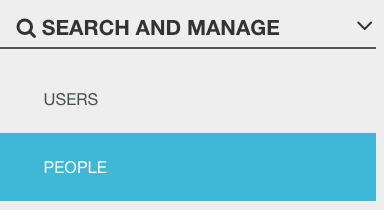
- Click on People (Profile)
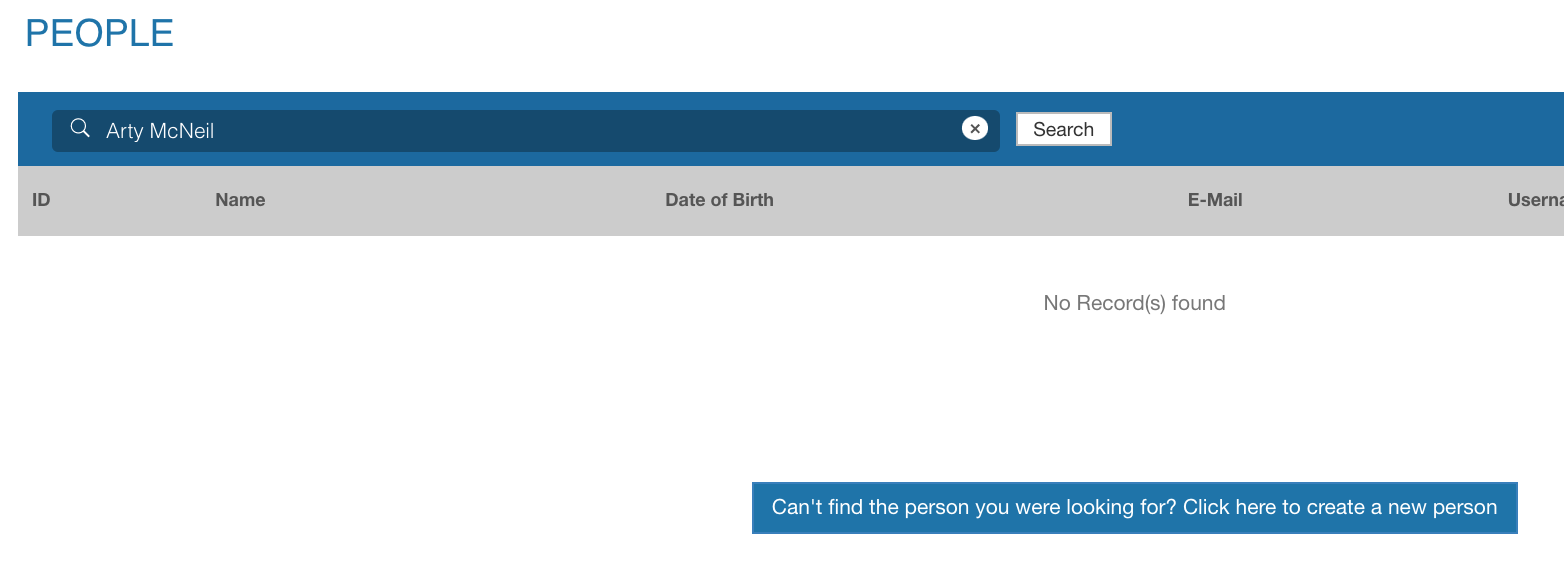
- Search for the person using their name or email address
- If the person does not show up, then they do not have an account
- Click on the "Can't find the person.." button to create a new person
- Enter all required fields and click Save to add the new person
Note: an organization is needed to assign visibility permissions over this new account
- If the email added already exists in the database for a user, you will be prompted to either add this person under that user account or cancel.