1- Open your club / event dashboard, and click on the Report tab:

2- Select 
3- Select the report type "complete w/ membership info"
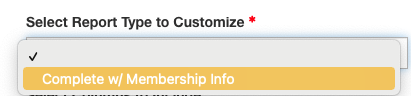
That will populate the list of columns you can choose from.
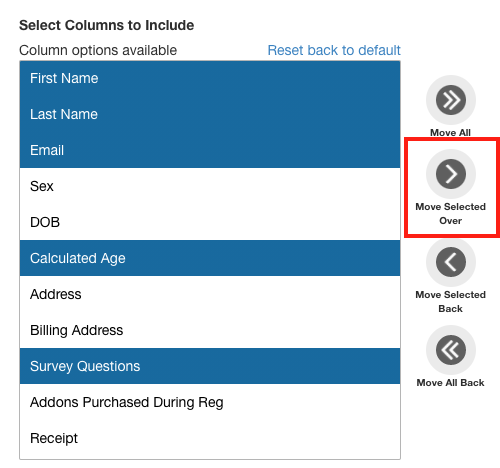
4- Select the info you want to show in your report - and select "move selected over"
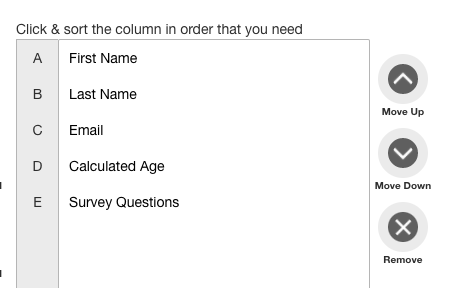
The column will show up in the sort column you can organize the order if you wish:
5- Add a report name and description - and click save:
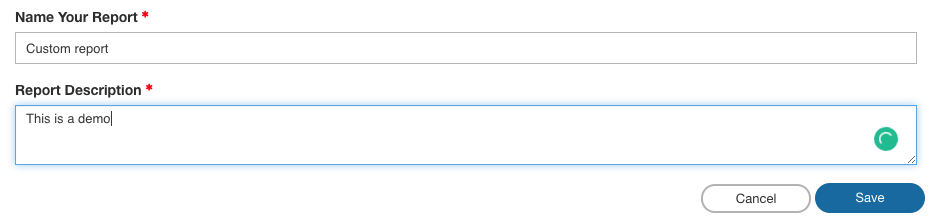
6- The report will show up in your report tab under "custom reports"
