1. From your Dashboard, click on your Affiliation / Club 
2. When scrolling down on the page, you will be able to notice that each membership has a button to view their related order.
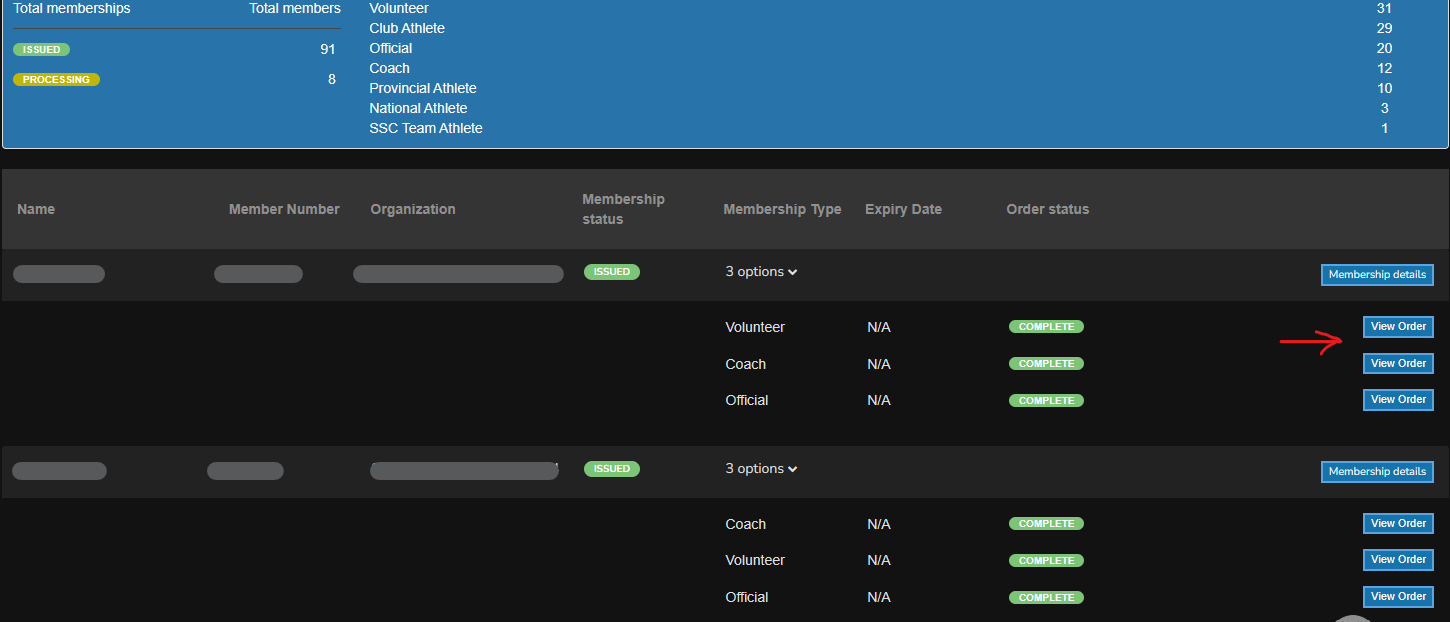
3. By clicking on View Order, the order will open. From there, you can initiate the refund request
