Skip to main content
How to find and register for an event
- Find
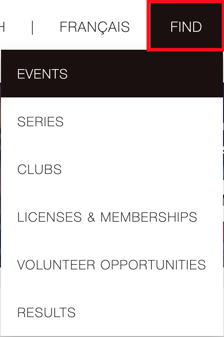
- Events
- Search and select your Event
- Register Now
- If your information name/info does not appear, enter your details
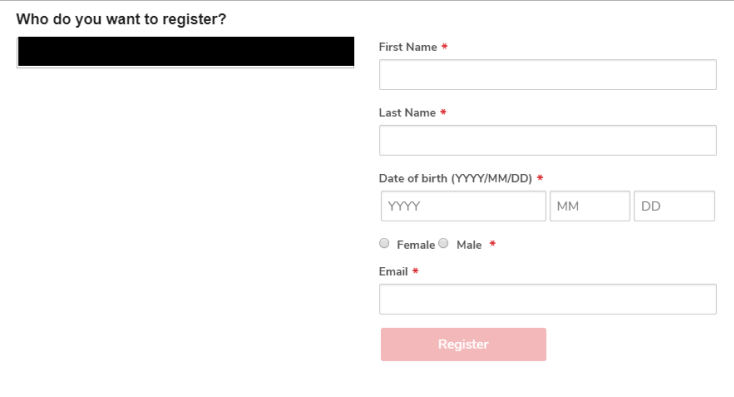
- Register
- Select the category you want to register for and click next
- Enter additional information and click next
- If you want to register someone else for that event click on Complete and add another participant and refer to step 5
- Complete and proceed to cart
- Sign waiver(s)/agreements and proceed to the cart
- Enter your credit card information at the bottom of the page
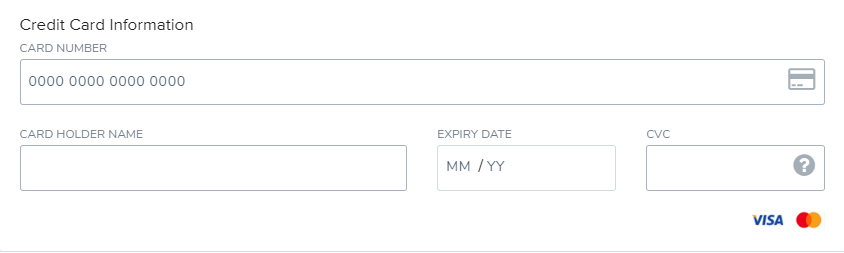
- Submit & complete
After registering for an event, you will receive your receipt and a confirmation email.
